
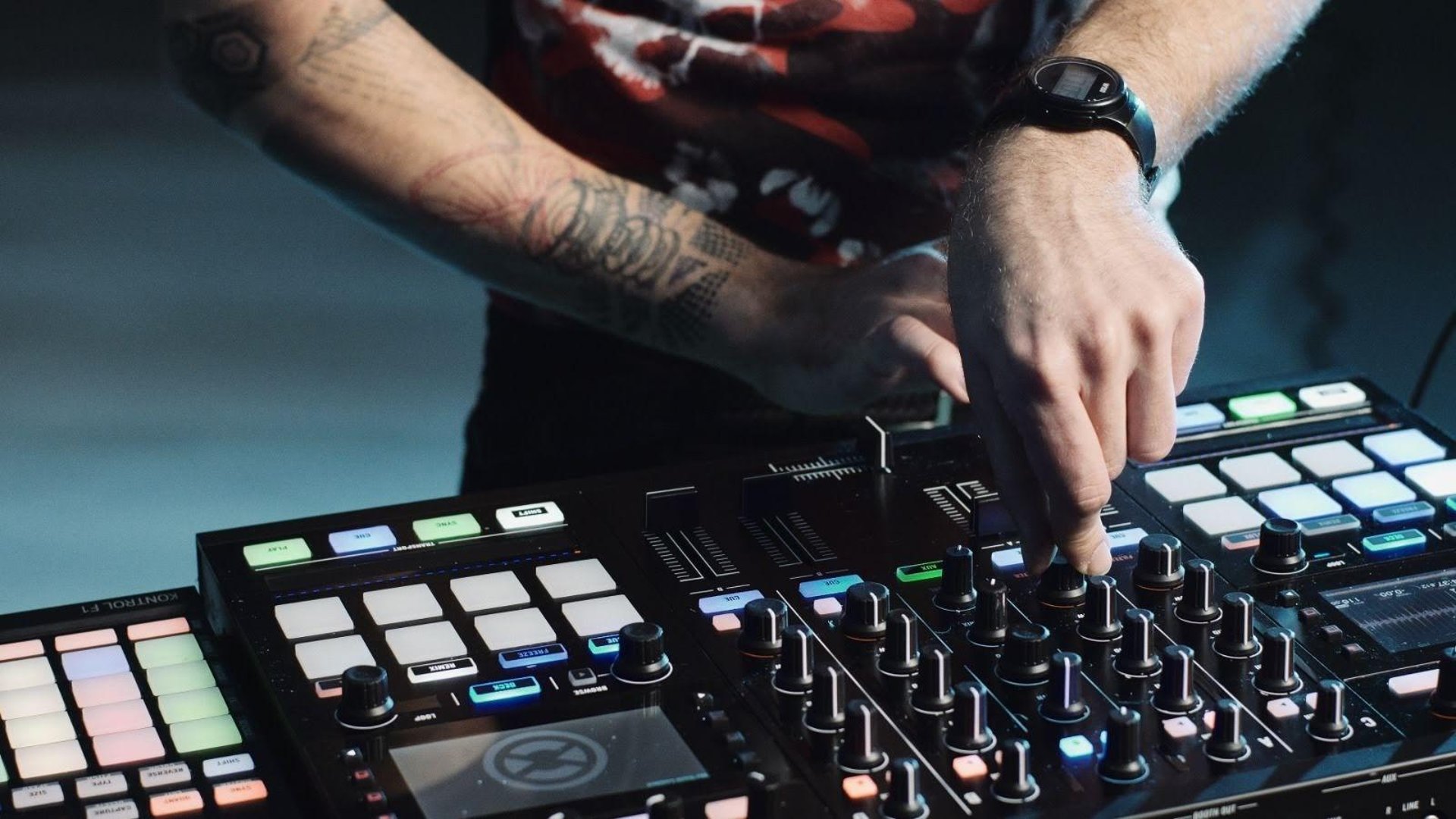
DJ Gear for beginners
The elements
If you want start DJ-ing, you need a few elements to start with:
DJ controller or stand-alone gear
Controller: laptop & controller required for playing.
Stand-alone gear: play from just a USB-stick (or just a laptop), usually the stand-alone gear is also provided by venue. more details below!
Headphones
A Macbook or Windows laptop (Macbook preferred)
A pair of speakers
Optionally you can start off with just headphones and get speakers later.
Controller set-ups: Rekordbox & Traktor
Don't want to spend too much money? Want an easy laptop interface? Do the venues/parties where you want to play not have their own DJ gear?
Then you can go for a laptop & controller setup. I recommend a Native Instruments Traktor Pro 3 or Pioneer Rekordbox set-up.
The software comes for free with the gear that you buy.
Rekordbox:
Best for allround or club DJs: best library management and market leader in most DJ scenes
Great interface with amazing browsing functionality
Direct exporting functionality to USB for club gear
Amazing sound-quality when changing tempo
Traktor 3:
Best for beginning Ecstatic Dance DJs: beginner controllers have easiest control of sync, loop and effects
Highly customisable & easy to use interface
Many creative live-elements for advanced use (e.g. remix decks with 64 slots for samples & loops)
Tons of great sounding effects out-of-the-box
Not so great on library management & sound quality when changing tempo (in my opinion)... but still very doable.
Stand-alone set-up: Pioneer (Rekordbox)
I recommend a Pioneer DJ stand-alone setup (supported by Rekordbox software, which you need for music management) if:
You wanna be club-ready (& house-parties...)
You want to carry around just a USB stick (and headphones)
You have some money to spend
Important note: if you go for a (cheaper) controller+laptop option instead of stand-alone, you are still able to export a USB stick for the venue (or even bring just your laptop if you have the technical knowledge of connecting it), as long as you go for a Rekordbox option at home!
I teach with any of these set-ups!
What hardware do these setups utilize? More info below!
Gear recommendations
Depending on your budget and aspirations, I recommend the following gear. Most things are for lower budgets / beginners, but with a minimum good quality (no shitty stuff). Where to buy? These are some great web-shops in Netherlands/Europe:
I don't recommend Media Markt! (BAD returning policies)
Buying second hand? Get it from a trusted source and/or go with someone experienced and test stuff thoroughly!
Controllers for laptop
Pioneer FLX4 or 2nd hand DDJ-400 for Rekordbox
Traktor Kontrol S2 or 2nd hand S2 or S4. The older edition (S2 MK2) is actually better but is harder to find.
Stand alone setup
A stand-alone setup is either 1 device that does everything (players & mixers in 1 thing), or individual mixer & player units.
To keep it simple & cheap-ish: XDJ-RX2 or RX3, or even the old RX. Good second hand options. XDJ-RR also possible, but lesser option.
More options: https://www.pioneerdj.com/nl-nl/product/all-in-one-system/
Hunting 2nd hand? Any stand-alone unit or any mixer/CDJ setup could work. I advice against CDJs that are really old (e.g. CDJ900): not supporting many file formats and little visual feedback. I also advice against other brands than pioneer, simply because Pioneer dominates the stand-alone market and your versatility depends on it.
Headphones
Sennheiser HD25 (Normal or Lite). This will sound good and last forever, great investment.
Speakers
Any pair of studio monitors will do, it's really budget dependent if you want to have richer sound. If you already have any kind of speakers, you can try connecting them.
Good cheap options:
Hercules DJ Monitor 32
Presonus Eris 3.5
Logitech Z 313 (not even monitors but will be good)
Richer sound:
Presonus Eris E5
JBL 305P MKII (2x)
Yamaha HS 7 (2x) or Yamaha HS 8 (2x)
Don't forget to buy audio cables to connect your DJ gear & laptop to your monitor speakers. You also might need pads or stands. Ask the web-shop for help if you need it (they are kind).
For the best audio experience, set up the monitors in your space according to their instruction manual. The general rule for DJing is to set them up approximately at ear-height, somewhat pointing towards the ears, from around 75-100 cm.